Million Quiz - TikTok Live Interactive Game
A downloadable game for Windows, macOS, Linux, and Android
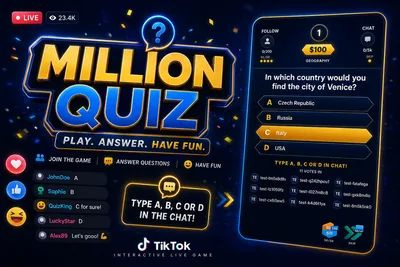
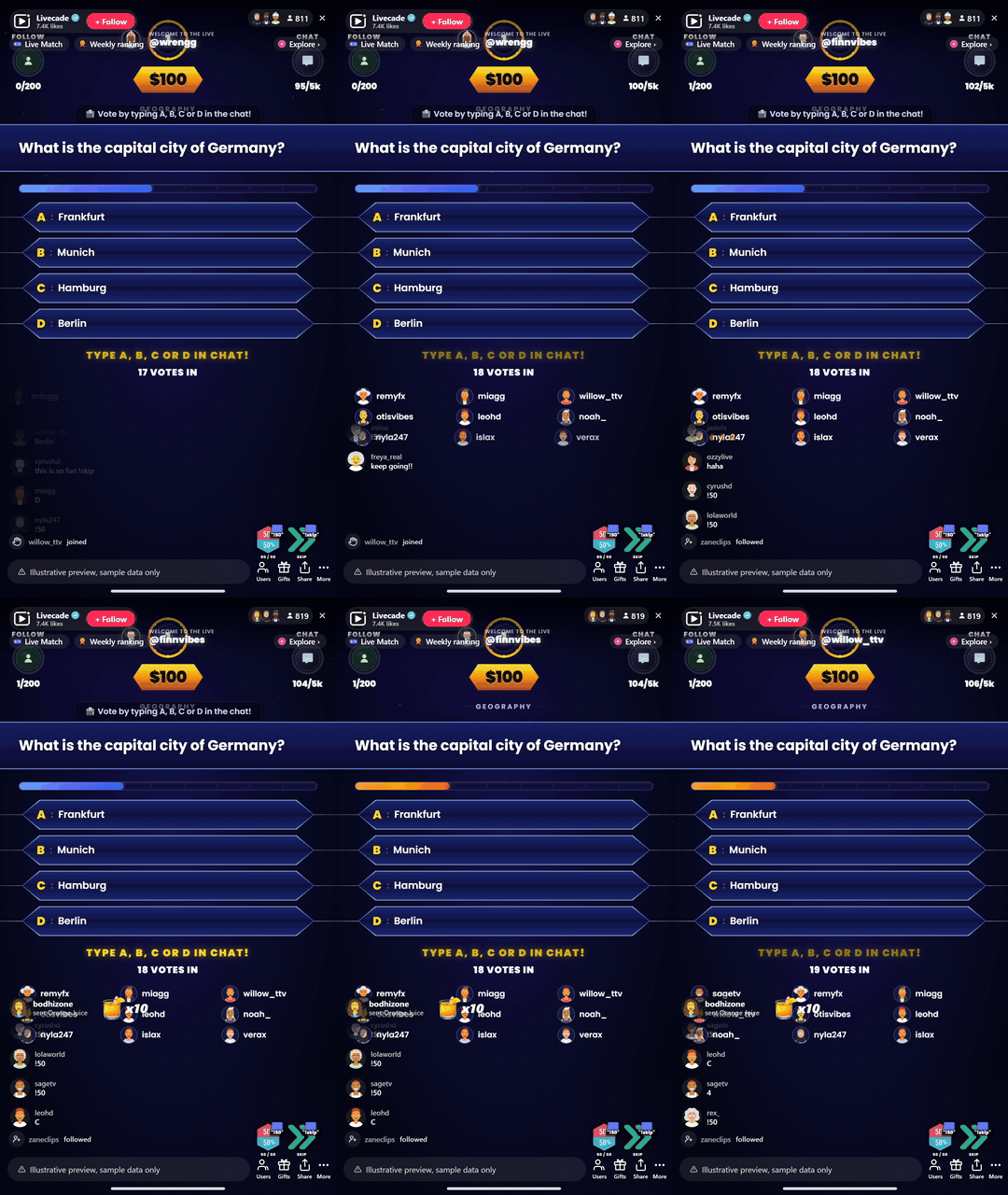
Your audience plays a live trivia climb together. Viewers vote A, B, C or D in chat, and the crowd answer decides whether you climb the prize ladder toward the million.
Play Million Quiz on Livecade. It runs as one browser source in TikTok LIVE Studio, OBS or Streamlabs, or straight from your phone. Viewers install nothing: they play with the chat, likes and gifts TikTok already gives them.
About the game
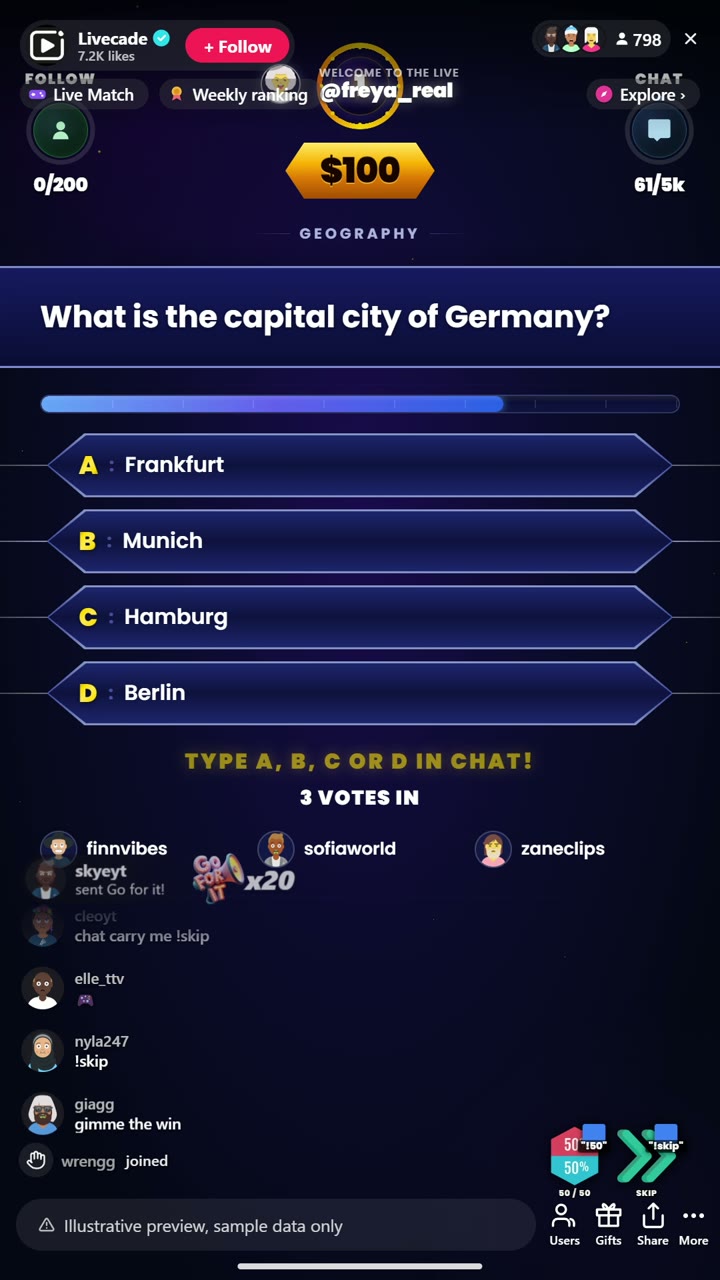
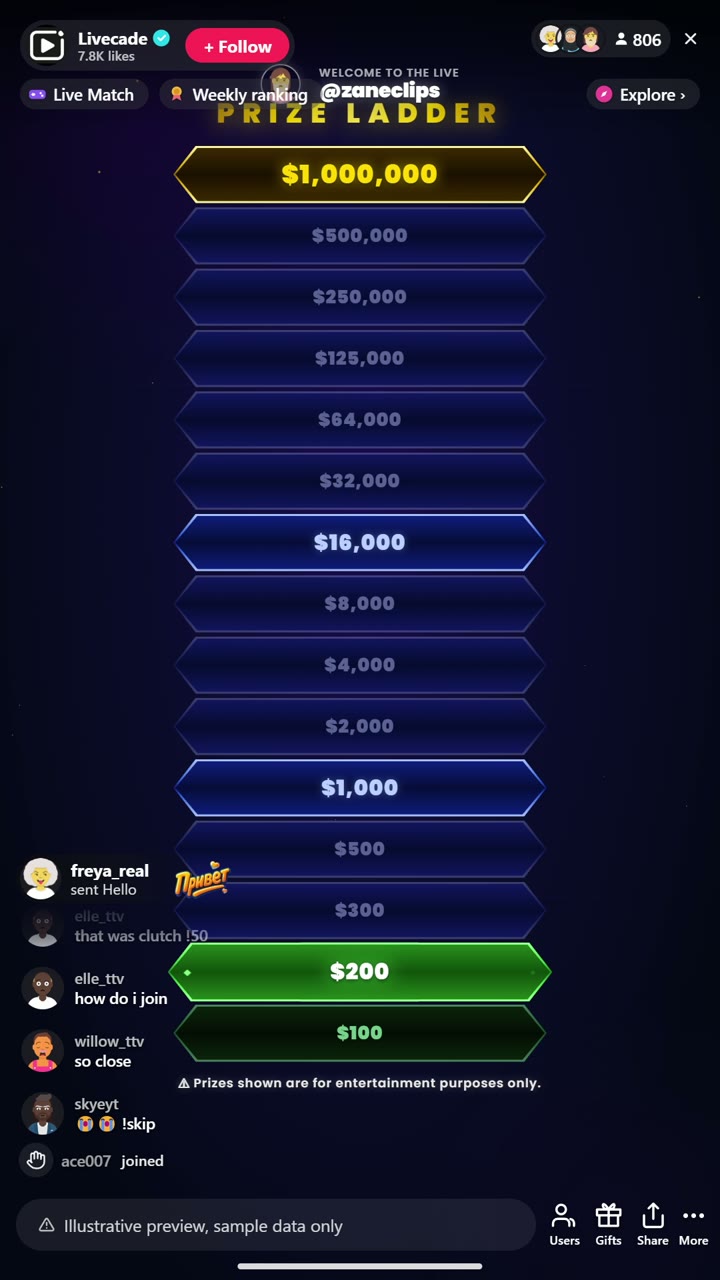
Million Quiz turns your whole chat into one contestant. Each question, viewers type A, B, C or D and the crowd vote locks in the answer. Climb the 15-level prize ladder, with safety nets along the way, all the way to the million.
Gifts buy the lifelines
A gift triggers 50/50 or Skip, follower and chat goals build hype between questions, and live voter streaks keep regulars coming back.
Thousands of questions, 29 categories
Over 8,000 English questions, 7,000 Romanian and 2,800 Turkish, across 29 trivia categories, with category selection so you can tune every show.
How viewers play
Viewers join in with comments, gifts, likes and follows. Every action below can be bound to any of them, so you decide which gift, comment or like drives which effect.
- 50/50 lifeline: Removes two wrong answers from the current question
- Skip lifeline: Skips the current question and moves the climb along
How it works
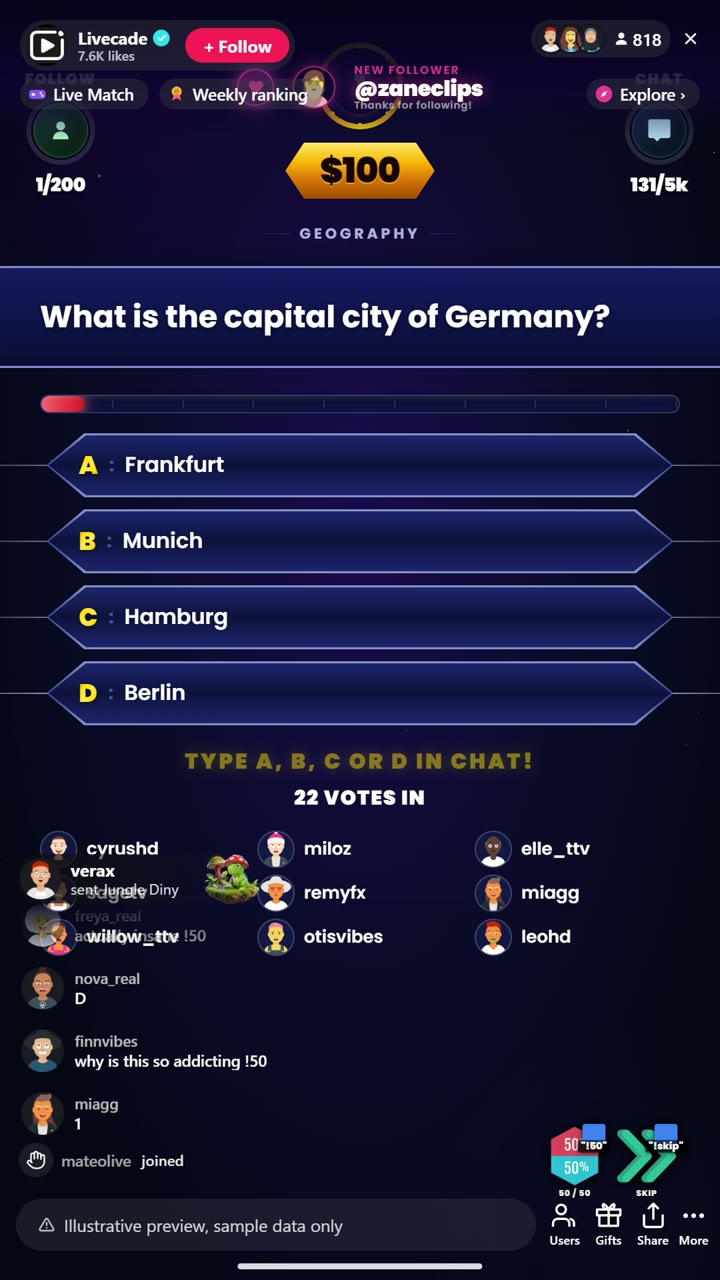
The crowd votes each answer. Every question, viewers type A, B, C or D in chat. The crowd vote locks in the answer, so the whole audience plays as one contestant.
Climb the prize ladder. Right answers move you up a 15-level ladder with safety nets along the way. Wrong answers cost you, so every vote carries weight.
Lifelines and goals build hype. Viewers can burn a 50/50 or a Skip, and follower and chat goals between questions keep the room loud while the next question loads.
What you can configure
- Interface language: English, Romanian, or Turkish for the on-screen chrome
- Question categories: Pick which topics the question bank pulls from
- Prize ladder unit: Show the ladder in dollars, Lei, coins, or points
- Voting time: How long the crowd has to lock in each answer
- Follower and comment goals: Live targets between questions to drive follows and chat
- Header hint ticker: A scrolling hint bar at the top of the overlay
- Lifeline uses per game: How many 50/50 and Skip uses each game allows
- Read questions aloud: Text-to-speech for questions, with scope and a Pro voice option
- Who can play: Everyone, followers only, or your fans club only. Applies to comments and gifts
Languages
English, Romanian, Turkish
FAQ
How do viewers answer questions in Million Quiz?
Viewers type A, B, C or D in your TikTok Live chat. The crowd vote is tallied live and the majority answer locks in, so the whole audience plays together as one contestant.
How do the 50/50 and Skip lifelines work?
They are viewer-triggered actions. By default viewers spend them with a chat command, but like every trigger they are fully rebindable to a gift, like, or follow, so you decide what activates a lifeline.
Can I choose the question topics?
Yes. You pick which categories the question bank draws from, so you can run a general show or theme a session around specific topics.
How do I add Million Quiz to my TikTok Live?
Add one browser source URL to OBS or your streaming software and go live. There is no plugin to install and nothing for your viewers to download.
How to set it up
- Create a Livecade account and add your TikTok username.
- Copy your overlay link from the dashboard.
- Add it as a browser source in TikTok LIVE Studio, OBS or Streamlabs. On a phone, follow the phone guide instead.
- Pick Million Quiz, set your triggers and go live.
Million Quiz is one of the interactive games in the Livecade library. See every TikTok Live game.
Download
Install instructions
- Create a Livecade account and add your TikTok username.
- Copy your overlay link from the dashboard.
- Add it as a browser source in TikTok LIVE Studio, OBS or Streamlabs. On a phone, follow the phone guide instead.
- Pick Million Quiz, set your triggers and go live.
Leave a comment
Log in with itch.io to leave a comment.