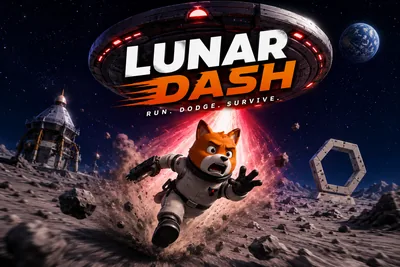
Lunar Dash - TikTok Live Interactive Game
A downloadable game for Windows, macOS, Linux, and Android
Viewers race side-scrolling characters across the screen. Comments boost speed, gifts unlock abilities, and the leaderboard updates in real time as runners cross the finish line.
Play Lunar Dash on Livecade. It runs as one browser source in TikTok LIVE Studio, OBS or Streamlabs, or straight from your phone. Viewers install nothing: they play with the chat, likes and gifts TikTok already gives them.
About the game
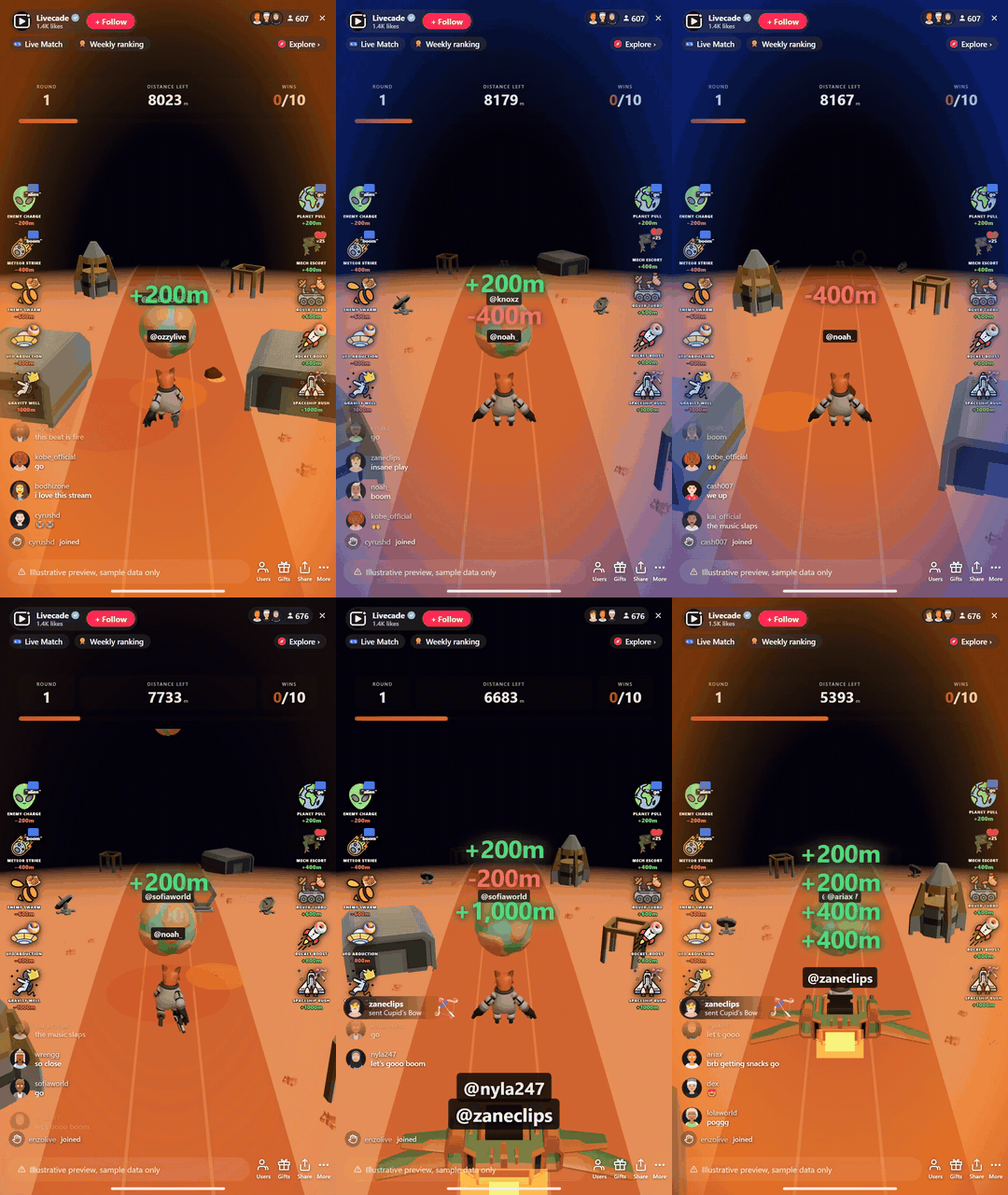
Lunar Dash is a frantic side-scrolling race where every viewer controls a runner. Comments give a speed burst, and gifts unlock special abilities like jetpacks and shields.
A new track every round
The course changes each time and the finish line triggers a live leaderboard moment, so it stays easy to follow on stream without repeating itself.
How viewers play
Viewers join in with comments and gifts. Every action below can be bound to any of them, so you decide which gift, comment or like drives which effect.
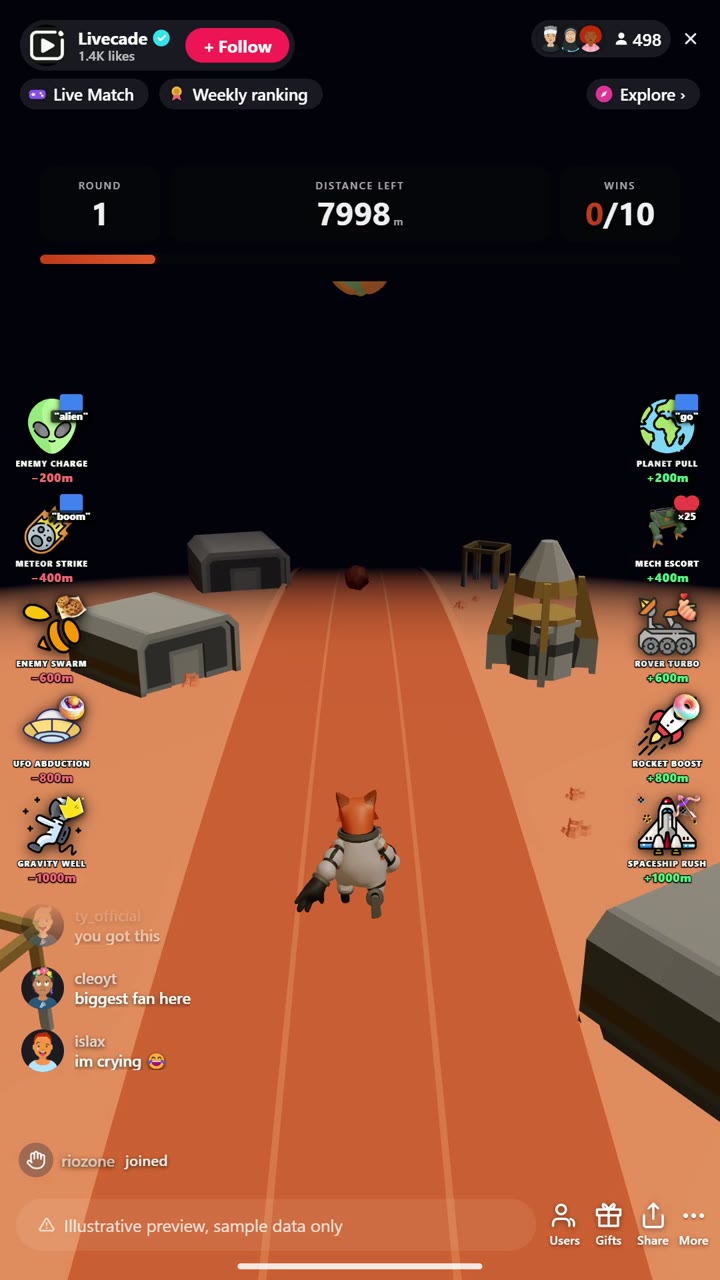
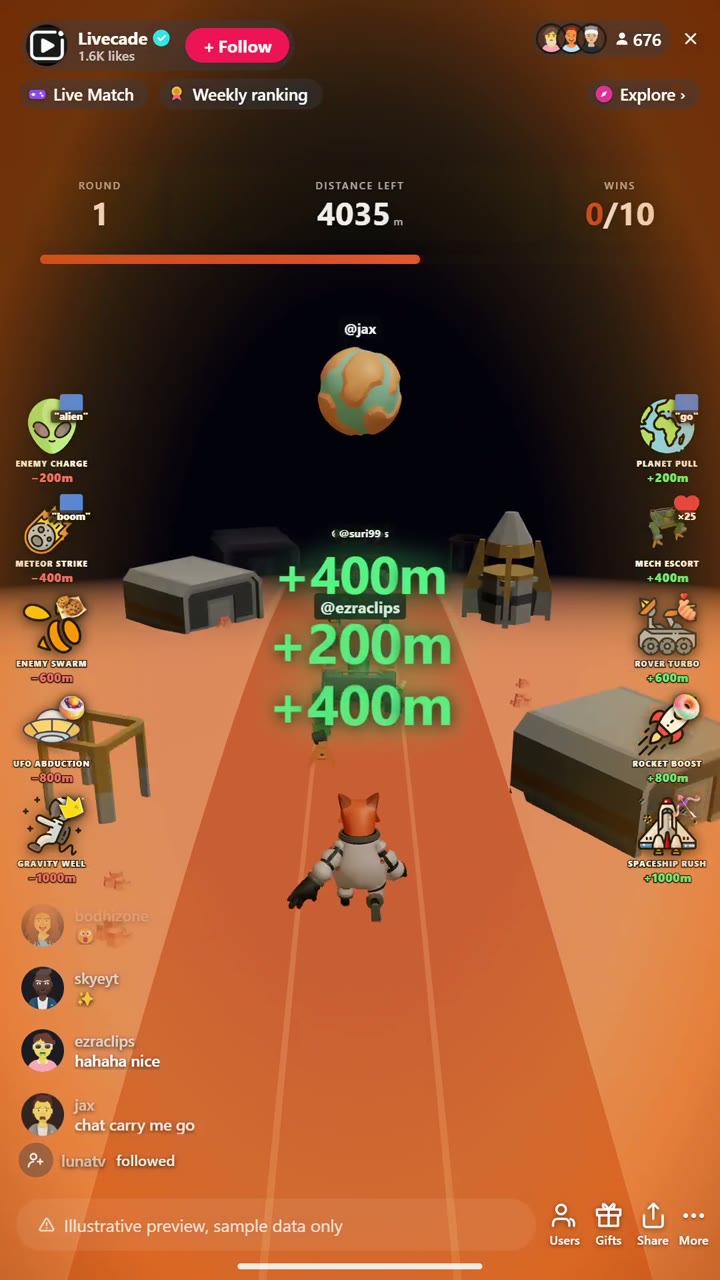
- Planet Pull: Small boost, pushes the runner +200m
- Mech Escort: Boost, pushes the runner +400m
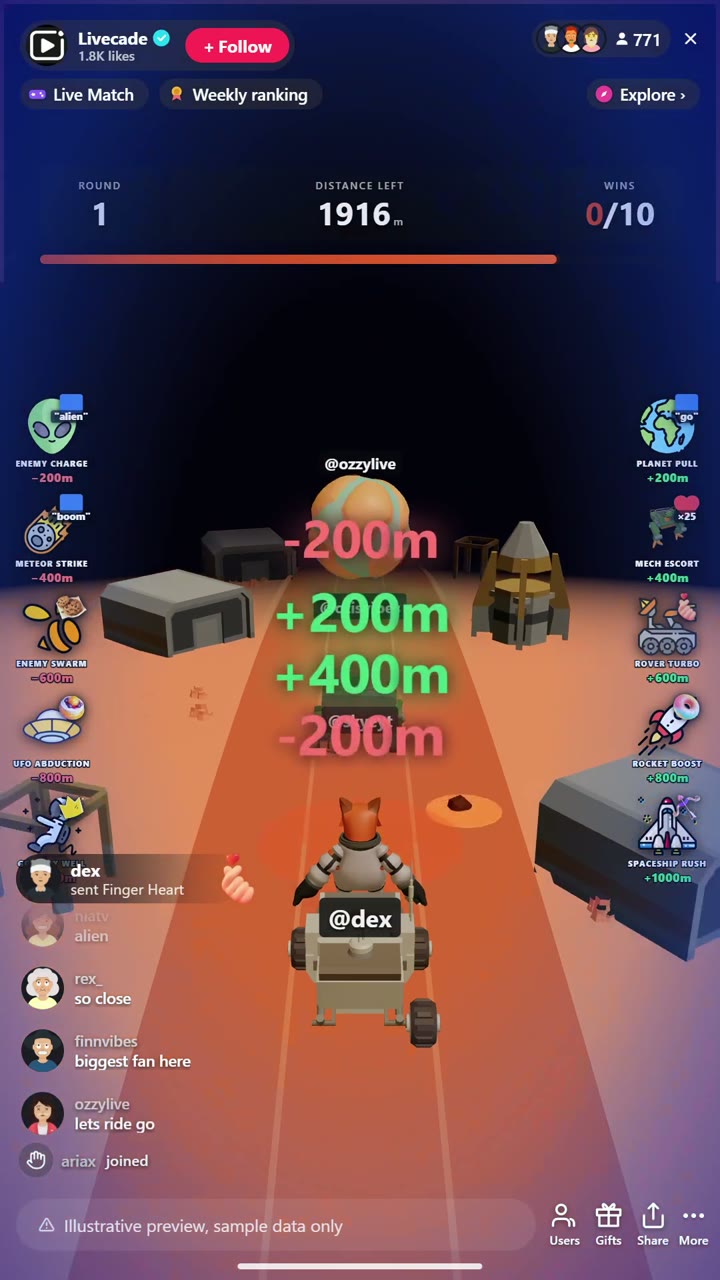
- Rover Turbo: Boost, pushes the runner +600m
- Rocket Boost: Big boost, pushes the runner +800m
- Spaceship Rush: Biggest boost, pushes the runner +1000m
- Enemy Charge: Small setback, knocks a runner back 200m
- Meteor Strike: Setback, knocks a runner back 400m
- Enemy Swarm: Setback, knocks a runner back 600m
- UFO Abduction: Big setback, knocks a runner back 800m
- Gravity Well: Biggest setback, knocks a runner back 1000m
How it works
Viewers control the runners. Every viewer drives a side-scrolling runner. Reactions from chat push their runner forward toward the finish line.
Boost your own, sabotage the rest. Gifts, likes, and comments trigger boosts that add distance, or setbacks that knock a rival runner back. Bigger effects move the pack more.
First across the line wins. Cross the finish to trigger a live leaderboard moment. Win a set number of rounds to take the match.
What you can configure
- Control mode: Runners advance automatically or on manual triggers
- Distance to finish: How far runners race each round, in meters
- Rounds to win: How many rounds take the match
- Background: Transparent, a solid color, or your own image
FAQ
How do viewers join Lunar Dash?
Every viewer controls a runner straight from your TikTok Live chat. Reactions push their runner forward, so the whole audience is racing at once.
What is the difference between a boost and a sabotage?
Boosts add distance to a runner and setbacks knock a rival back. Both come in several sizes, and each one is rebindable to a gift, like, or comment with the amount you choose.
Does Lunar Dash work for a small stream?
Yes. It runs with a handful of racers or a full pack, and the side-scrolling view stays easy to follow on stream at any size.
How do I add Lunar Dash to my TikTok Live?
Add one browser source URL to OBS or your streaming software and go live. There is no plugin to install and nothing for your viewers to download.
How to set it up
- Create a Livecade account and add your TikTok username.
- Copy your overlay link from the dashboard.
- Add it as a browser source in TikTok LIVE Studio, OBS or Streamlabs. On a phone, follow the phone guide instead.
- Pick Lunar Dash, set your triggers and go live.
Lunar Dash is one of the interactive games in the Livecade library. See every TikTok Live game.
Download
Install instructions
- Create a Livecade account and add your TikTok username.
- Copy your overlay link from the dashboard.
- Add it as a browser source in TikTok LIVE Studio, OBS or Streamlabs. On a phone, follow the phone guide instead.
- Pick Lunar Dash, set your triggers and go live.
Leave a comment
Log in with itch.io to leave a comment.