Dance Floor - TikTok Live Interactive Game
A downloadable game for Windows, macOS, Linux, and Android
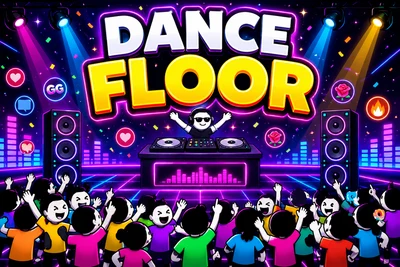
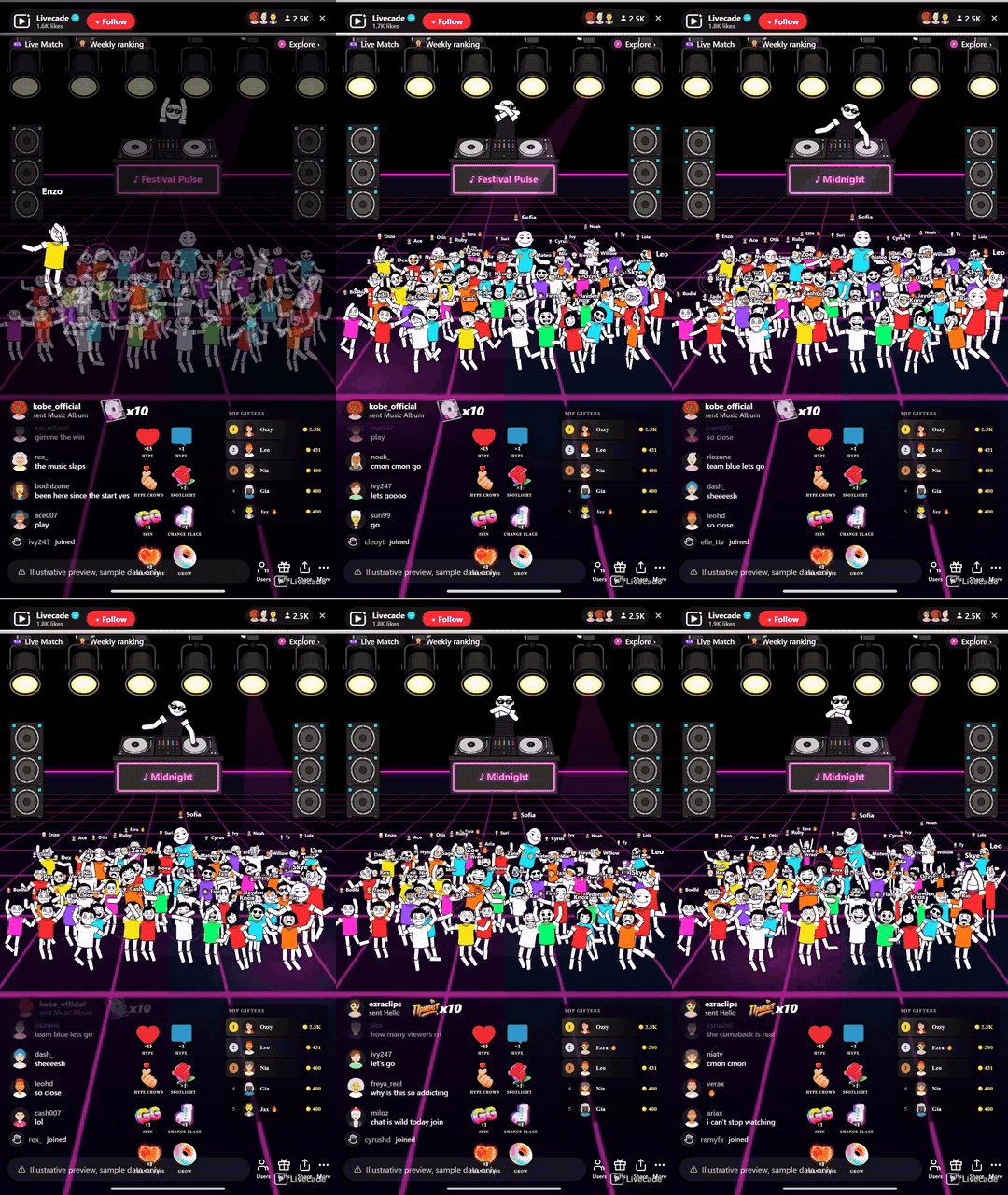
A never-ending live party where you are the DJ. Every viewer who chats joins the floor as a dancer wearing their own profile picture, and gifts buy the spotlight: spin, grow bigger, jump to the front row, or take the light while the whole floor dims around you. Bring your own music and the crowd dances to it.
Play Dance Floor on Livecade. It runs as one browser source in TikTok LIVE Studio, OBS or Streamlabs, or straight from your phone. Viewers install nothing: they play with the chat, likes and gifts TikTok already gives them.
About the game
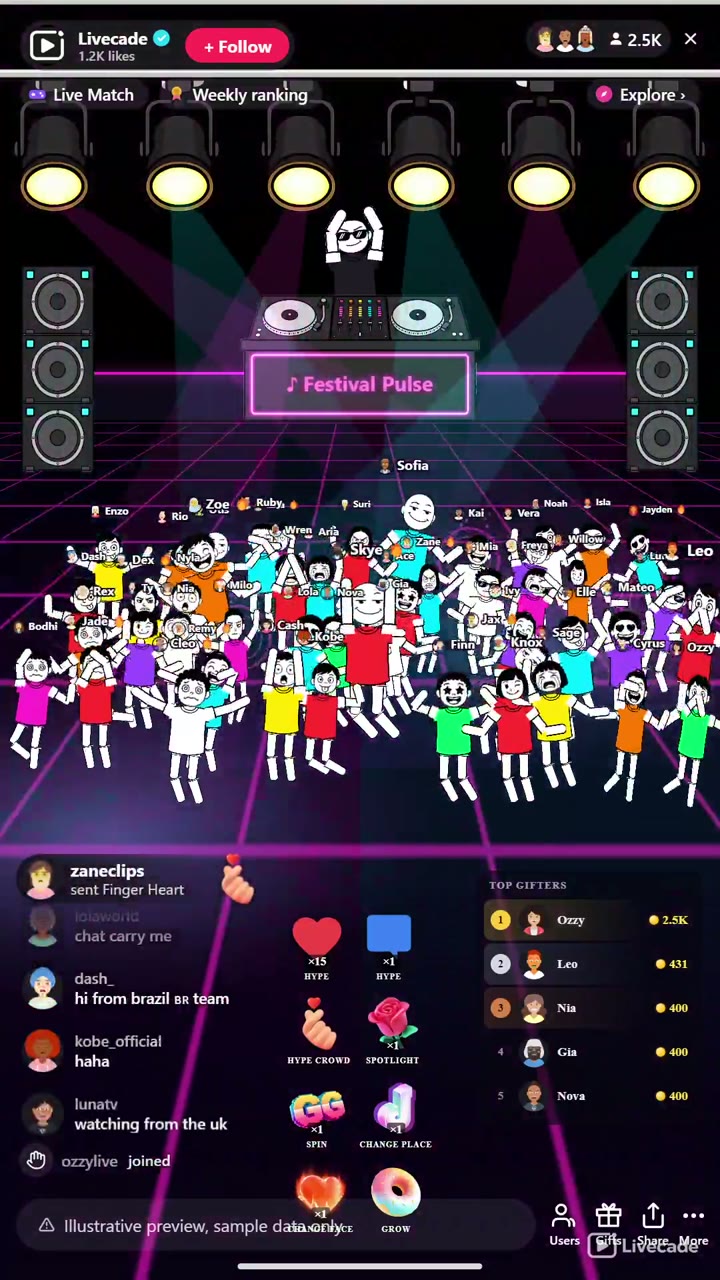
Dance Floor turns your TikTok Live into a nightclub with you on the decks. Every viewer who chats walks onto the floor as a dancer wearing their own profile picture, and the room fills front-row first into a packed, bobbing crowd.
You are the DJ, and the music is yours
Drop tracks from the live music deck, either your own uploads or copyright-free AI music you search right there, and the whole floor dances to the beat while the booth marquee shows what is playing.
Gifts buy attention
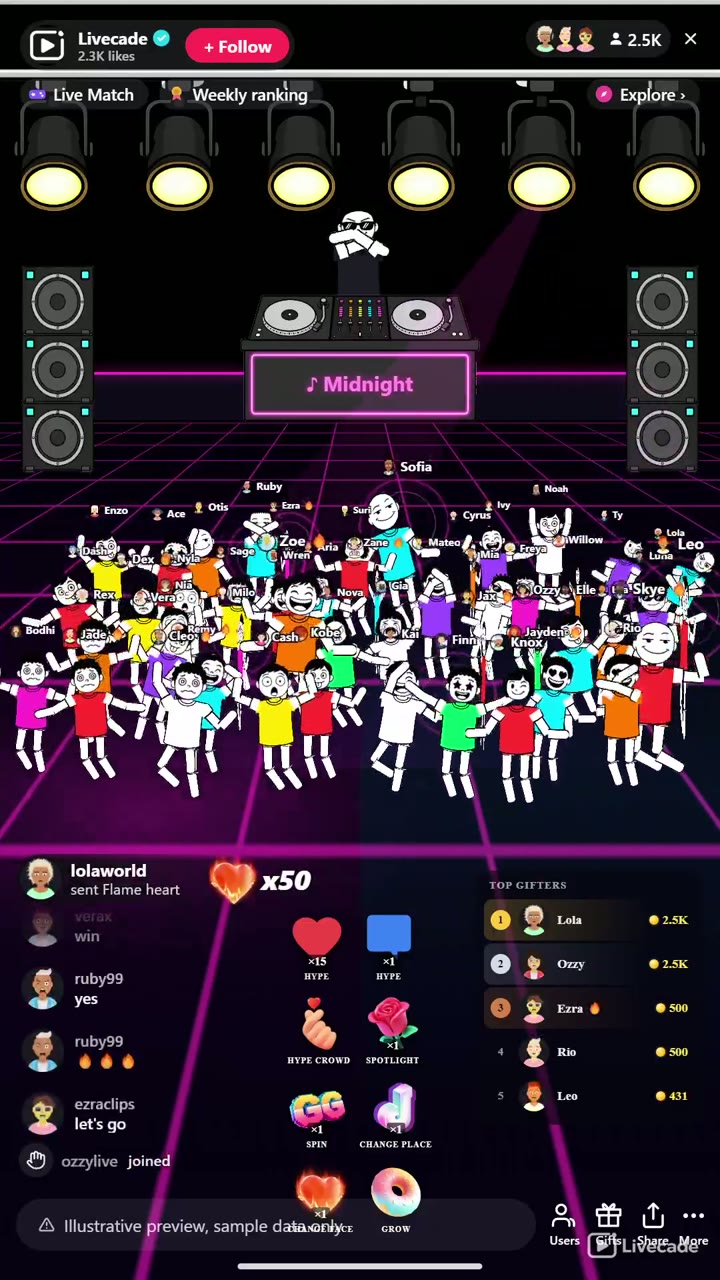
A viewer can spin, grow bigger, change their shirt or face, jump to the front row, or take the spotlight while the entire floor dims around them, and coins spent climb a live leaderboard of your top gifters.
The best moment is the one nobody can buy
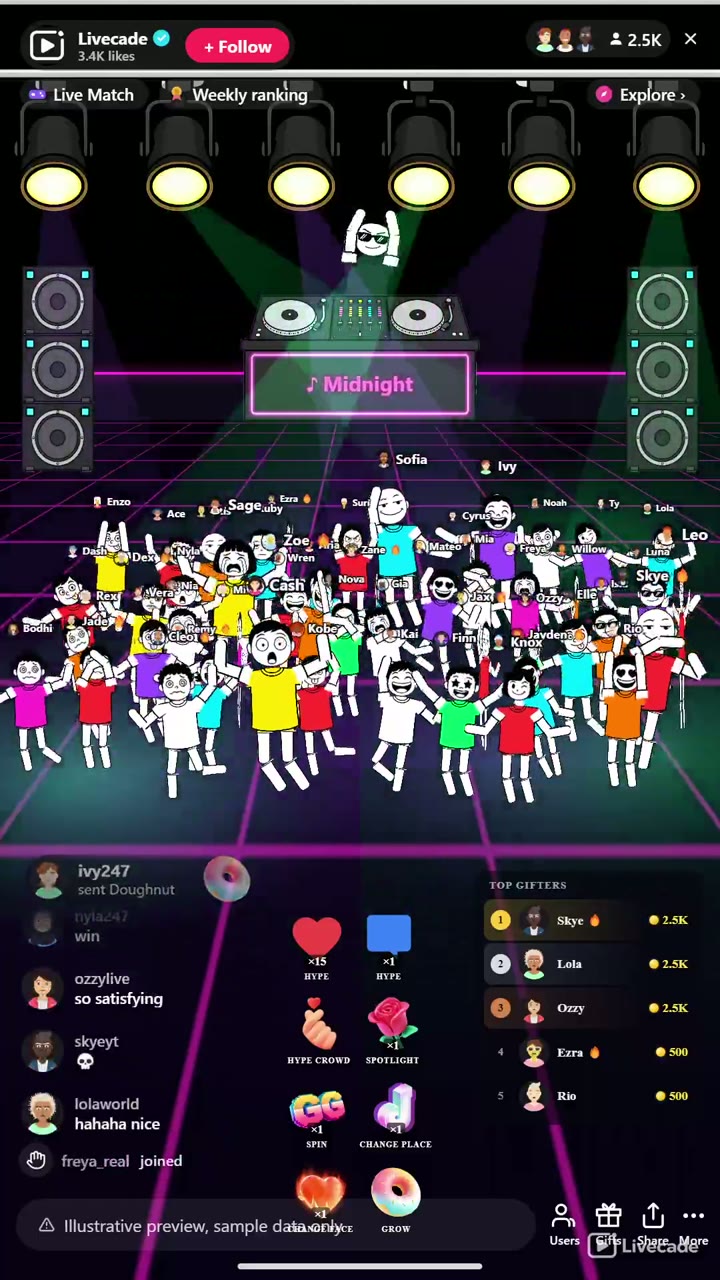
Chatting hypes your own dancer so they dance harder, and enough of the crowd hyping together tips the floor into a DROP where the whole room goes off at once. Comments float up over each dancer as chat bubbles so the floor feels personal, and when the room goes quiet it keeps a lively crowd so it never looks dead.
How viewers play
Viewers join in with comments, gifts and likes. Every action below can be bound to any of them, so you decide which gift, comment or like drives which effect.
- Join the floor: A viewer who chats walks onto the floor as a dancer wearing their own profile picture
- Hype my dancer: The viewer's own dancer dances harder and re-appears if they had walked off. Defaults to likes or any comment
- Hype the crowd: Lifts the whole floor toward the shared DROP that nobody can buy
- Spotlight: Takes the spotlight while the entire floor dims around the viewer
- Spin: Spins the viewer's dancer with a whoosh
- Change place: Jumps the dancer to a new spot on the floor, front row included
- Change face: Cycles the dancer's face through eighteen expressions
- Grow: Steps the dancer up a size tier so they stand out in the crowd
How it works
Your chat becomes the crowd. Every viewer who chats joins the floor as a dancer wearing their own profile picture, filling the room front-row first into a packed, bobbing crowd. Their comments float up as chat bubbles so the floor feels alive and personal.
You play the DJ. You are up on the booth, and the music is yours. Drop tracks from the live music deck, your own uploads or copyright-free AI music you search right there, and the whole floor dances to the beat while the booth marquee shows what is playing.
Gifts buy the spotlight, the crowd earns the DROP. Gifts spin a viewer, grow them, jump them to the front row, or take the spotlight while the floor dims around them, and coins climb a top-gifter leaderboard. Free viewers hype from chat, and enough hype together tips the floor into a DROP nobody can buy.
What you can configure
- Interface language: Twelve languages for the on-screen chrome
- Max dancers on the floor: How large the crowd can grow before new arrivals take a seat
- Keep the floor lively when quiet: Pads the crowd with auto dancers that always yield to real viewers, so it never looks dead
- Spotlight duration: How long a spotlight holds the floor dimmed on one dancer
- Show coin leaderboard: Show the live ranking of your top gifters
- Show chat bubbles over dancers: Float each viewer's comment up over their dancer's head
- Dance tempo: The BPM the whole floor grooves to
- Club color: One accent that drives the floor grid, stage, booth marquee, and lights
Languages
English, Spanish, Portuguese, French, German, Italian, Indonesian, Arabic, Turkish, Russian, Hindi, Romanian
FAQ
How do viewers join the Dance Floor?
Every viewer who chats walks onto the floor as a dancer wearing their own TikTok profile picture. Liking and gifting also put them on the floor, and every trigger is rebindable to your own thresholds.
What music does it play?
You are the DJ. The live music deck lets you drop your own uploads or search copyright-free AI music right there, and the whole floor dances to whatever is playing while the booth marquee shows the track.
What do gifts do?
Gifts buy attention: spin, grow bigger, change shirt or face, jump to the front row, or take the spotlight while the floor dims around the gifter. Coins spent climb a live top-gifter leaderboard, and free viewers hype the crowd from chat toward a shared DROP nobody can buy.
How do I add Dance Floor to my TikTok Live?
Add one browser source URL to OBS or your streaming software and go live. There is no plugin to install and nothing for your viewers to download.
How to set it up
- Create a Livecade account and add your TikTok username.
- Copy your overlay link from the dashboard.
- Add it as a browser source in TikTok LIVE Studio, OBS or Streamlabs. On a phone, follow the phone guide instead.
- Pick Dance Floor, set your triggers and go live.
Dance Floor is one of the interactive games in the Livecade library. See every TikTok Live game.
Download
Install instructions
- Create a Livecade account and add your TikTok username.
- Copy your overlay link from the dashboard.
- Add it as a browser source in TikTok LIVE Studio, OBS or Streamlabs. On a phone, follow the phone guide instead.
- Pick Dance Floor, set your triggers and go live.
Leave a comment
Log in with itch.io to leave a comment.